INTRODUDE
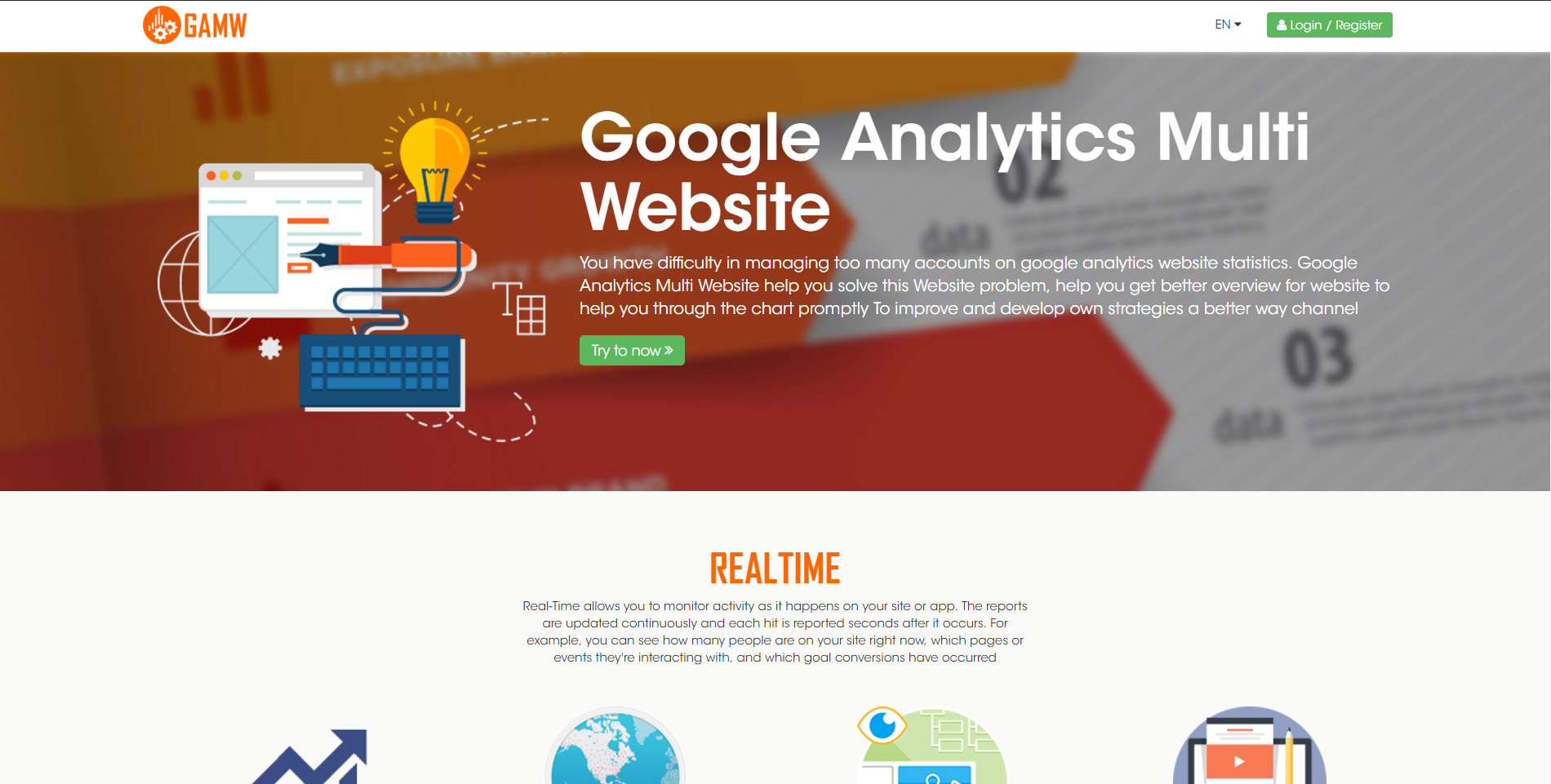
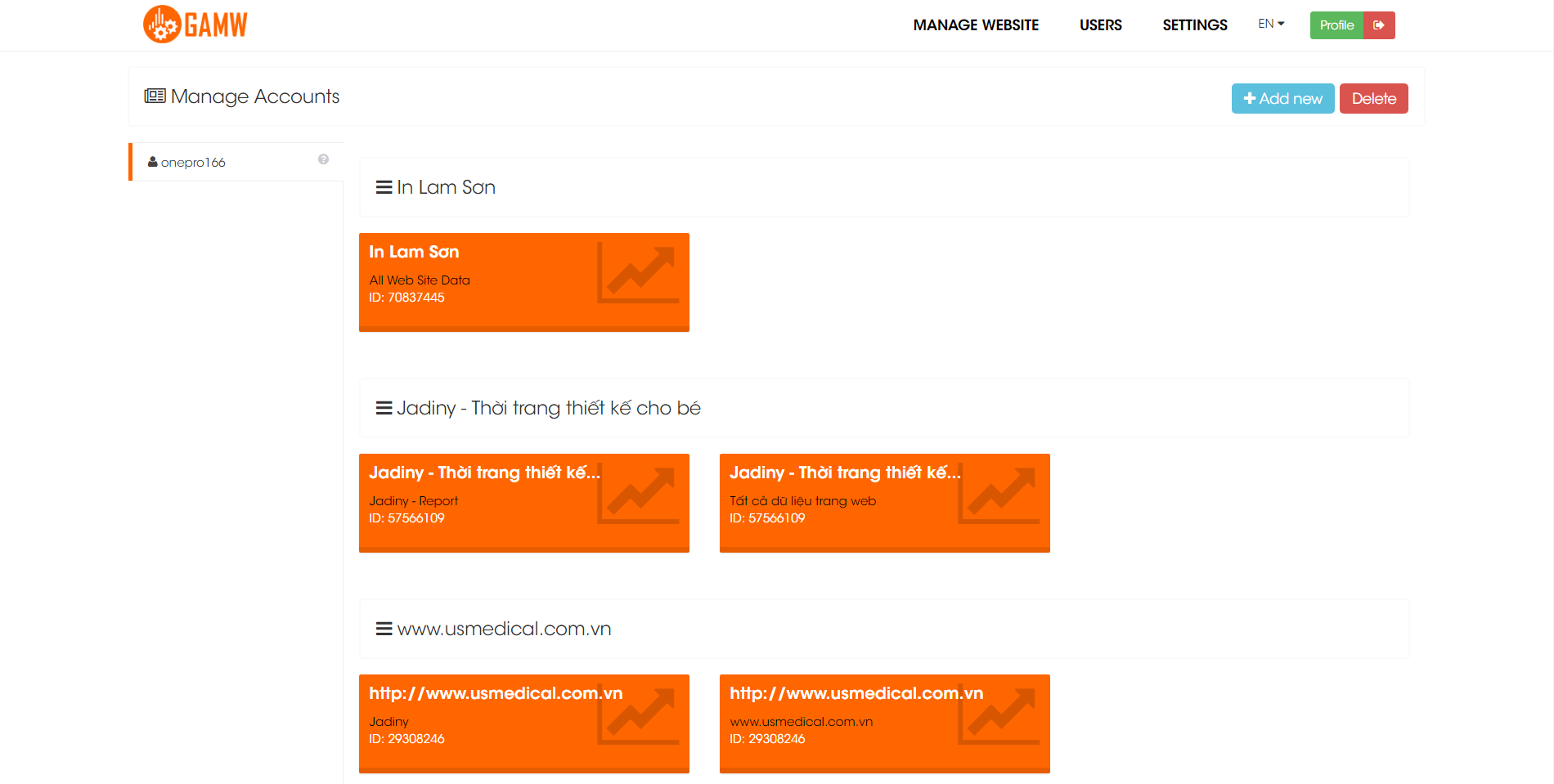
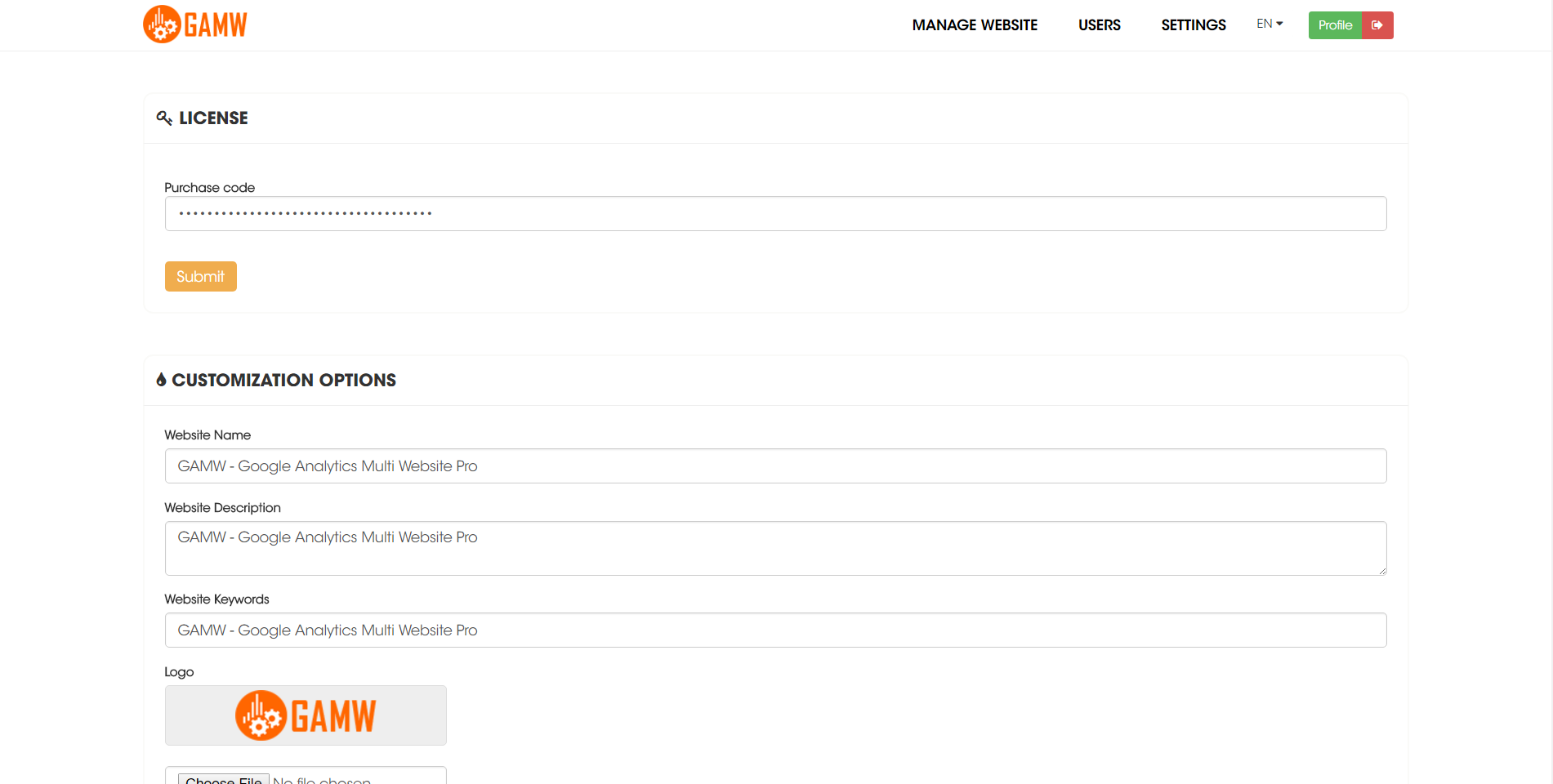
You have difficulty in managing too many accounts on google analytics website statistics. Google Analytics Multi Website help you solve this Website problem, help you get better overview for website to help you through the chart promptly To improve and develop own strategies a better way channel.
REALTIME
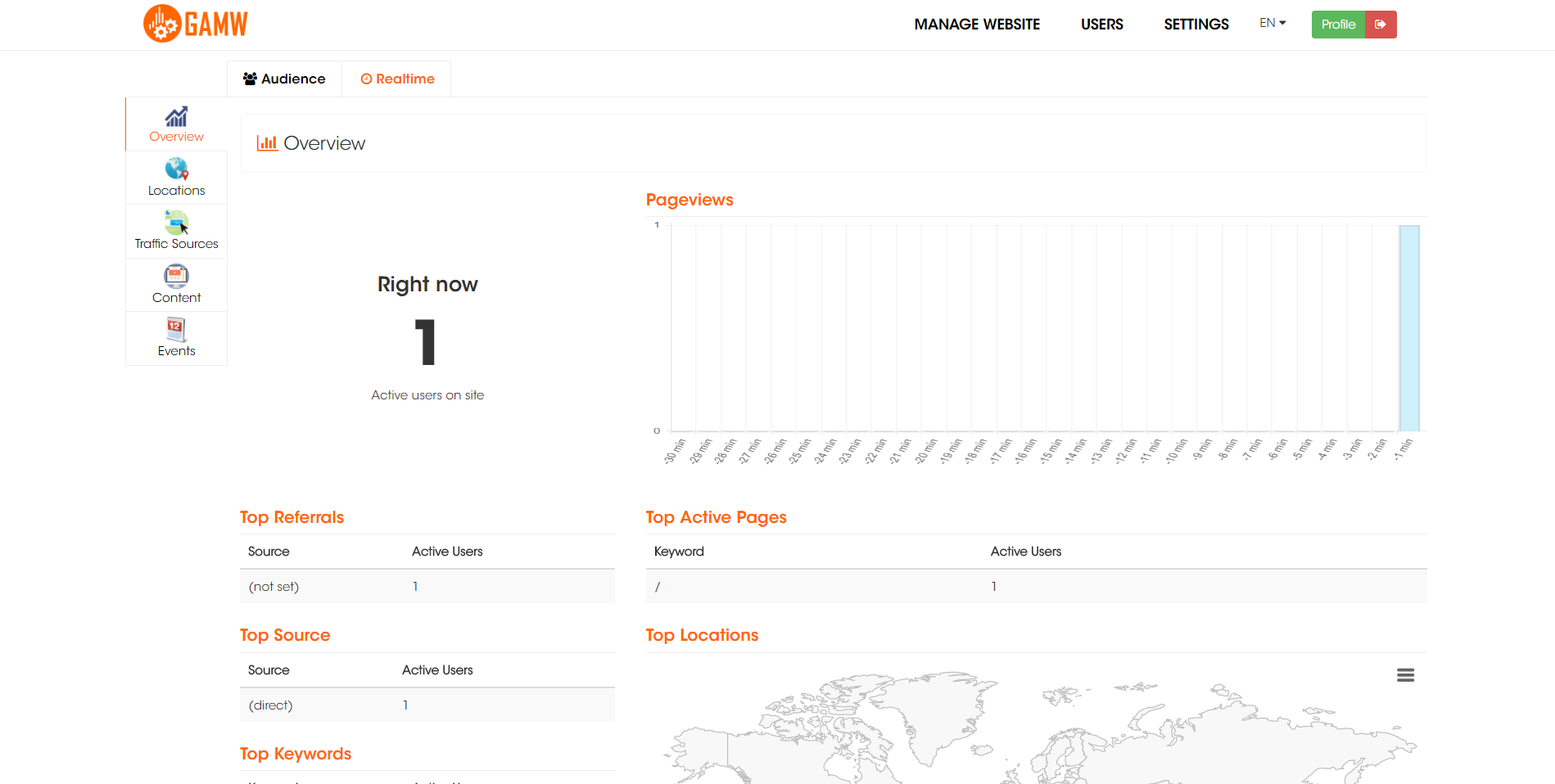
Overview
Real-Time allows you to monitor activity as it happens on your site or app
Locations
Use the Real-Time Locations report to see the geographic locations of your active users
Traffic Sources
Real-Time allows you to monitor activity as it happens on your site or app
Content
Use the Real-Time Traffic Sources report to see which mediums and sources referred the users who are on your site right now
Event
See how users interact with your site via Events.Use the Events Flow report to visualize the order in which users trigger the Events on your site.
AUDIENCE
Sessions
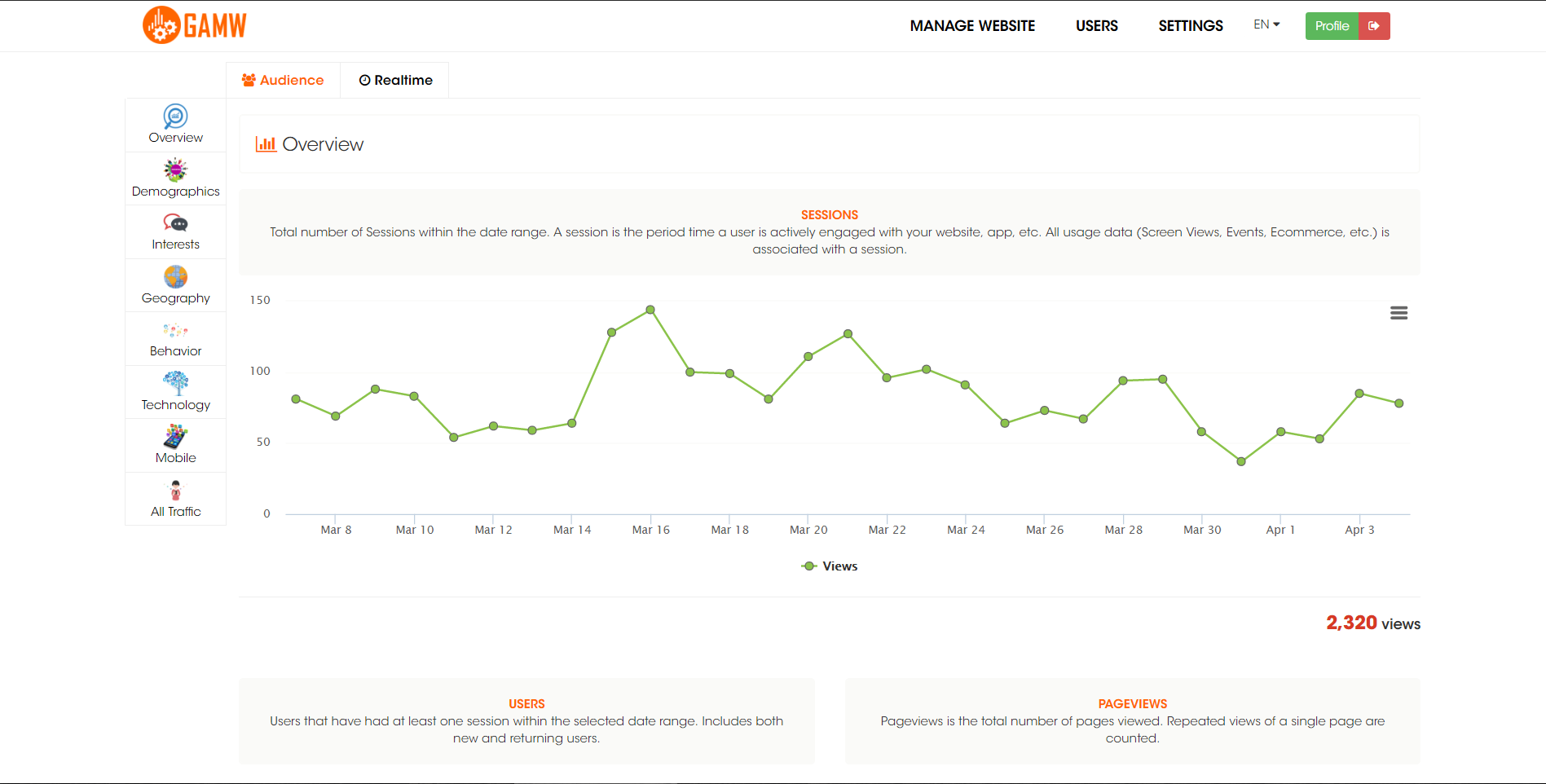
Total number of Sessions within the date range. A session is the period time a user is actively engaged with your website, app, etc. All usage data (Screen Views, Events, Ecommerce, etc.) is associated with a session.
Users
Users that have had at least one session within the selected date range. Includes both new and returning users.
Pageviews
Pageviews is the total number of pages viewed. Repeated views of a single page are counted.
Pages / Session
Pages/Session (Average Page Depth) is the average number of pages viewed during a session. Repeated views of a single page are counted.
Avg. Session duration
The average length of a Session.
Bounce rate
Bounce Rate is the percentage of single-page visits (i.e. visits in which the person left your site from the entrance page without interacting with the page).
% New Sessions
An estimate of the percentage of first time visits.
Gender
Gender of user.
Age Group
Age bracket of user.
Affinity Categories (reach)
Affinity categories are used to reach potential customers, to make them aware of your brand or product. These are users higher in the purchase funnel, near the beginning of the process.
In-market Segments
Users in these segments are more likely to be ready to purchase products or services in the specified category. These are users lower in the purchase funnel, near the end of the process.
Other Categories
These are more granular categories than Affinity or In-market, and let you identify users who are not in those other categories.
Language
The language settings in your users’ browsers. Analytics uses the following ISO codes
Location
The country from which the session originated.
New vs Returning
New (first-time) or Returning user.
Frequency & Recency
The session index for a user. Each session from a unique user will get its own incremental index starting from 1 for the first session. Subsequent sessions do not change previous session indicies. For example, if a certain user has 4 sessions to your website, sessionCount for that user will have 4 distinct values of ‘1’ through ‘4’.
Engagement
The length of a session measured in seconds and reported in second increments. The value returned is a string.
Browser
The browsers used by visitors to your website.
Operating System
The operating systems used by visitors to your website. Includes mobile operating systems such as Android.
Screen Resolution
The screen resolutions of visitors’ monitors.
Screen Colors
The screen color depths of visitors’ monitors.
Flash Version
The versions of Flash supported by visitors’ browsers, including minor versions.
Java Support
Differentiates visits from browsers with and without (Yes or No) Java enabled.
Service Provider
The names of the Internet service providers (ISPs) used by visitors to your site.
Hostname
The hostnames visitors used to reach your site. Typically, your site’s URL.
Mobile Device Info
The browsers used by visitors to your website.
Mobile Device Branding
The operating systems used by visitors to your website. Includes mobile operating systems such as Android.
Mobile Device Model
The screen resolutions of visitors’ monitors.
Channels
The default channel grouping that is shared within the View (Profile).
Source / Medium
Source/Medium describes where your traffic comes from. The Source is the place users are before seeing your content, like a search engine or another website. The Medium describes how users arrived at your content. Values for Medium include
Source
The sources which referred traffic. Includes sources identified via utm_source.
Medium
The mediums which referred traffic. Includes mediums identified via utm_medium.
Keyword
All keywords, both paid and unpaid, used by users to reach your site.
Social Source Referral
All keywords, both paid and unpaid, used by users to reach your site.
Landing Page
The pages through which visitors entered your site.